Fluctus Expert 4 - MIDI Controller

Fluctus Expert 4 - MIDI Controller
Fluctus Expert can now be controlled by a MIDI device that uses the Mackie Control or HUI protocols.
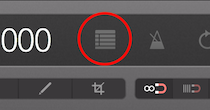
Navigate to the Project Preferences
and locate the MIDI Control section
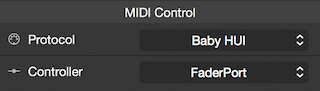
Select the protocol that your device uses and the device itself.
Now you can use your MIDI device to control the transport bar and automation layers.
For the full list of MIDI functions available go to: Project Preferences - MIDI Functions
Note: If a device is connected but not present on the menu, try closing and opening the project again.