Fluctus - Audio File Export

Start by moving the Export Markers (red markers) to the limits of the section that you intend to export.
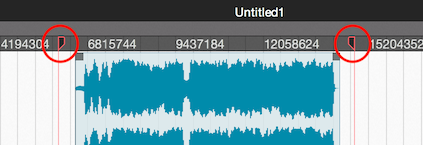
Optionally, make a selection in the timeline and navigate to the menubar [Edit -> Mark Selection].
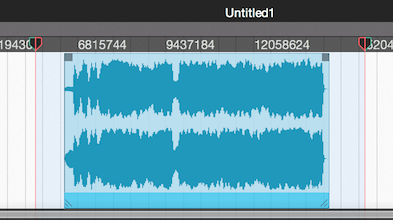
To mark a region (audio block) or a group of regions, select them and navigate to [Region -> Mark for Export...].
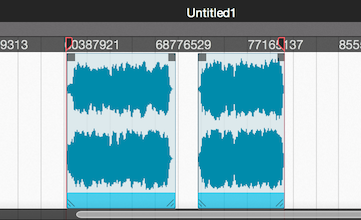
Now open the [File -> Export] from the menubar, set the file export options and click Export.
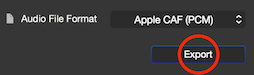
The marked section will now be exported into the selected audio file.