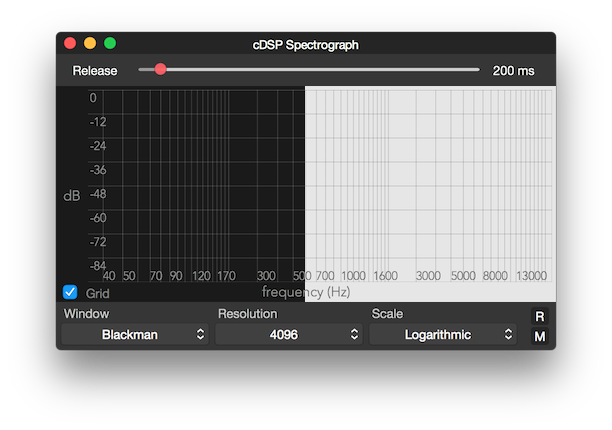
Sonic Atom now offers a light mode color scheme as an alternative to the default dark mode.
Navigate to the General Preferences Window and locate the Meter Colors box.

Tick the Use Light Color Scheme and a light background color will be used by all meters.