Getting Started with LoudLAB 3

Getting Started with LoudLAB 3
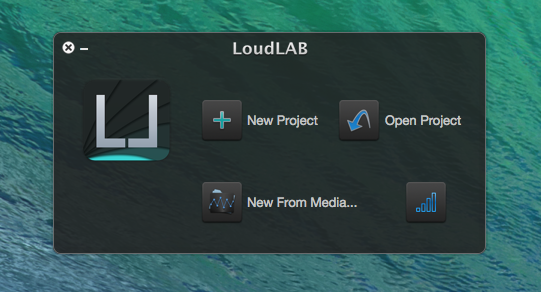
On Startup, LoudLAB 3 presents options to open and create projects.
-New Project: Creates a new clean project;
-New From Media: Creates a new project by selecting an audio file to import;
-Open Project: Opens a Finder window to search for an existing project;
You can also drag and drop a LoudLAB file to the welcome window.
More About LoudLAB 3 Projects
Let's start by creating a new project:
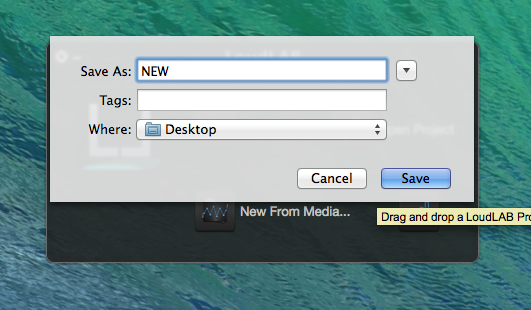
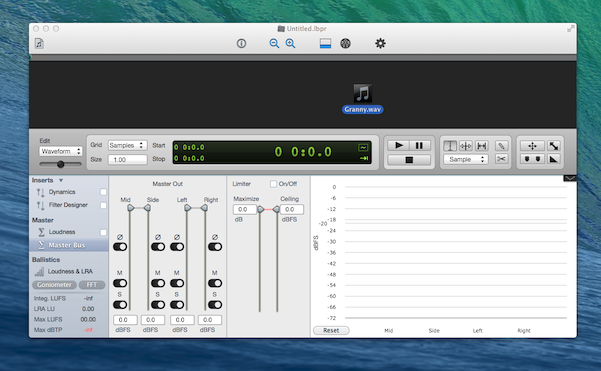
LoudLAB 3, should present you an empty project window, at which point you can either import an audio file by searching the Finder or drag-and-drop it to the Waveform view.
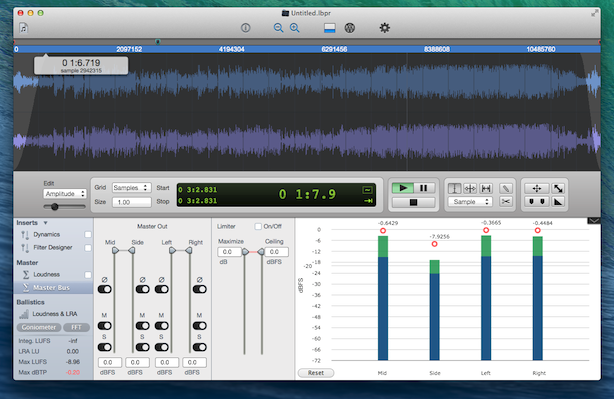
Once loaded, you can start editing the file, for example, add an s-curved fade-in and out to the "Amplitude Layer".
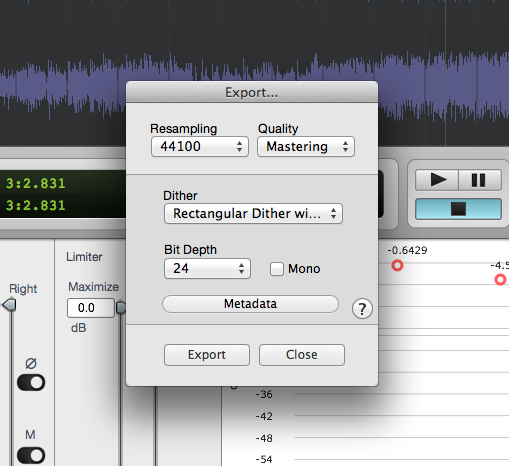
Once you are done editing, you can select Export Audio from the File menu to open the export window and set the exporting preferences (resampling, bit depth, etc).
You can also add some Metadata to your file:
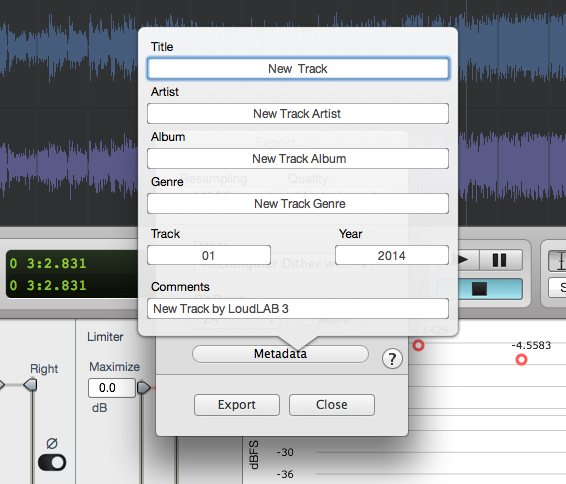
Now, just click Export and select a file format to save. Once the exporting is complete, you will be notified.
Have a Great Day!