Sounddesk does not start

Hi everyone, I have a Mac with Sequoia 15.6 and the latest version of Sound Desk.
I can't launch the software because it starts scanning for plugins and then freezes. I tried leaving the computer on for days, but it doesn't work.
Is there a way to launch it without scanning for plugins?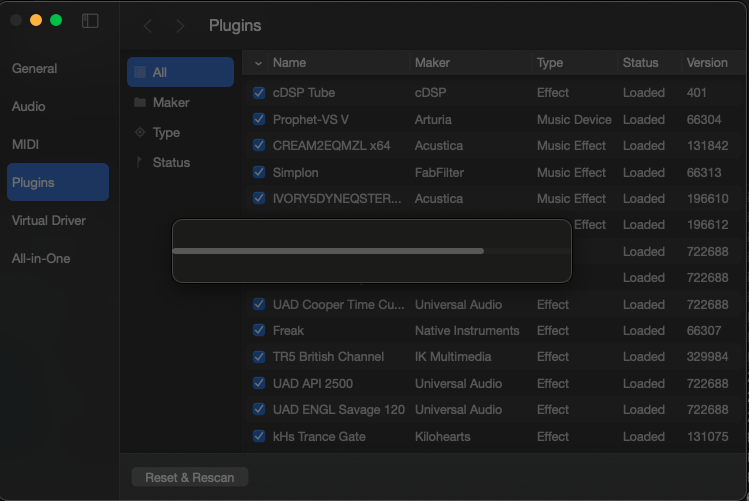
Comments
Locate and delete the following folders from the library (if one of the folders is missing, skip it):
“USER FOLDER”/Library/Application Support/SoundDesk
“USER FOLDER”/Library/Containers/info.loudlab.SoundDesk
Note: macOS has multiple folders named Library. To find the USER one, open a Finder window, press the Option key, and select Library from the Go menu.