SoundDesk Aux Setup

The Sender:
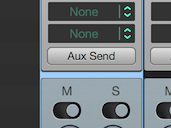
Go to the sender channel and open the "Aux Send" options.
Channel Overview
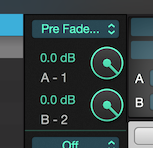
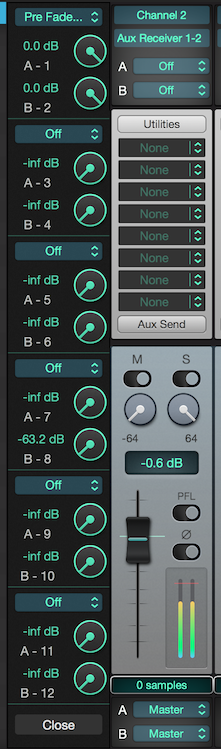
Now, we can send the signal as pre or post-fader/pan, set the signal amount and either send one channel or both (stereo).
In this example we will send a stereo pre-fader signal to Aux 1/2 at 0dBFS (see image above).
We repeat this procedure for all channels that we want to send to Aux 1/2.
The Receiver:
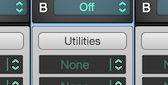
Go to the receiver channel and open the "Utilities" view.
Channel Overview
The first option sets the listener as a mono or stereo, and the next popup menu activates the auxiliary receiver.
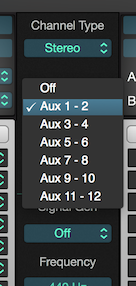
In our example we set the channel to listen for Aux 1/2 in Stereo.
Now that we have an auxiliary receiver, we can send it to any real output or send it to the Master bus.
Again, we can repeat this procedure for as many receivers as needed.
Our final setup will look like this:
Have a Great Day!
LoudLAB